Menu
Menu - Campbell High School PDF, 339.22 KB
Flexischools
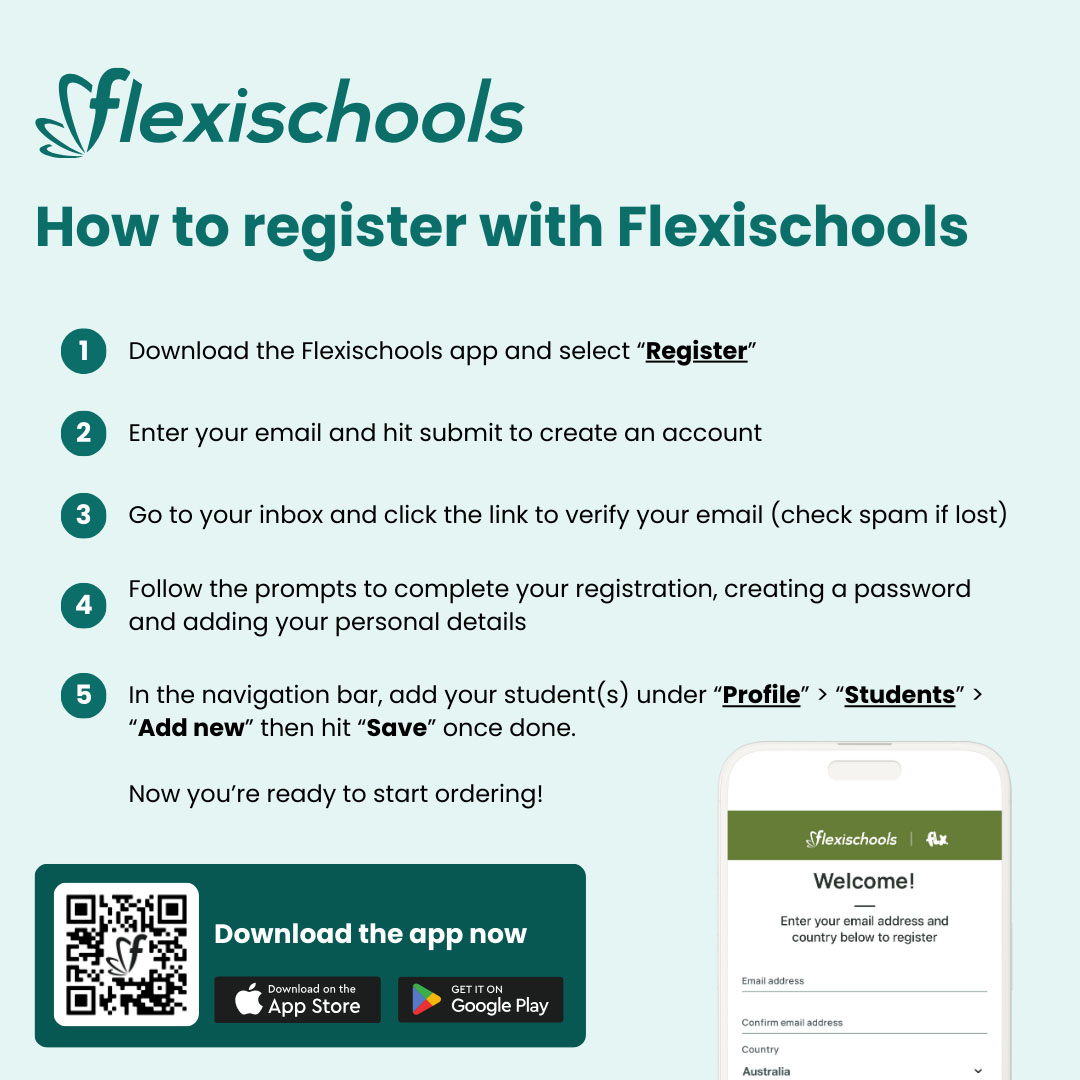
How to register with Flexischools
1. Download the Flexischools app and select "Register"
2. Enter your email and hit submit to create an account
3. Go to your inbox and click the link to verify your email (check spam if lost)
4. Follow the prompts to complete your registration, creating a password and adding your personal details
5. In the navigation bar, add your student(s) under "Profile" > "Students" > "Add new" then hit "Save" once done.
Now you're ready to start ordering!
Download the app now
The image below includes:
- A QR code for downloading the app
- App Store download badge
- Google Play download badge